

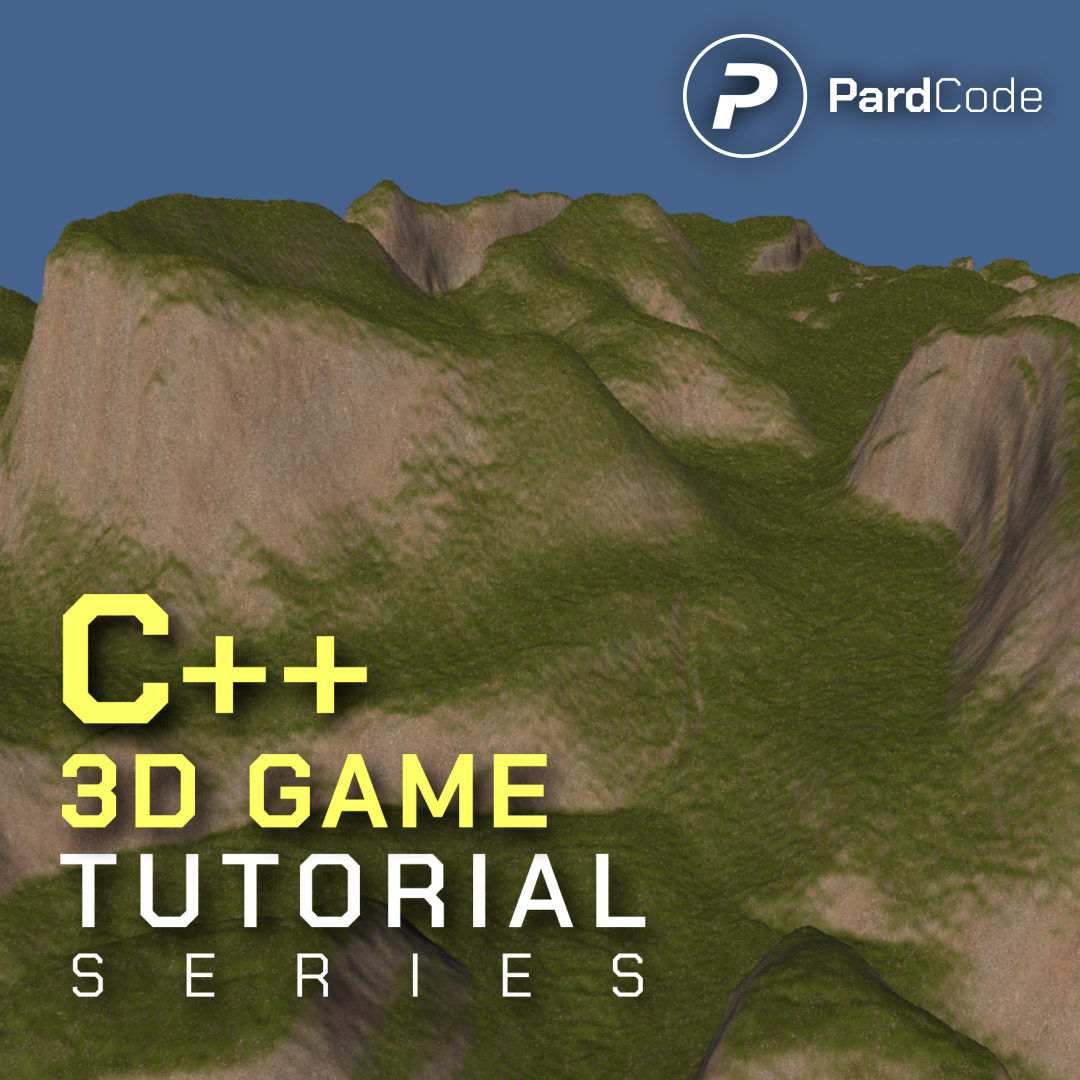
The source code of the 20th tutorial of the C++ 3D Game Tutorial Series is now available in early access on GitHub!
This tutorial represents a shift toward a data-driven landscape system, moving the engine away from static objects toward a height-map-based terrain pipeline. Here’s how the rendering architecture has evolved:
Dynamic Normal Generation from Height Data: The shader core now includes ComputeNormalFromHeightMap, which samples a height map texture in four cardinal directions to derive accurate surface gradients. This eliminates the need for high-polygon meshes or pre-baked normal maps, allowing the terrain to respond organically to lighting and camera angles through mathematical slope approximation.
Dedicated Terrain Rendering Pass & Buffer Layout: WorldRenderer.cpp introduces a dedicated execution block for TerrainComponent instances. A new TerrainData constant buffer is prepared to pass terrain dimensions and height map resolution to the GPU. During rendering, the pipeline explicitly binds three texture slots: the height map, a flat/diffuse base texture, and a slope/relief texture, enabling multi-layered material evaluation directly in the shader stage.
Lighting Infrastructure Tailored for Landscapes: Since height-derived normals only provide visual depth when illuminated, the tutorial introduces DirectionalLightComponent and an EnvironmentData cbuffer. The ComputePhongDirectionalLight function is now integrated into the shader pipeline, calculating diffuse and specular responses based on the terrain’s computed normals and view direction. A dedicated directional light is instantiated in MainGame.cpp to cast consistent shading across the landscape.
Scene Integration & View Frustum Adjustments: MainGame.cpp dynamically constructs the terrain using external assets, wiring them directly to the TerrainComponent. Additionally, the camera’s far plane was expanded to 1500.0f, and the render loop was updated to bind environment, terrain, and object constant buffers simultaneously, ensuring the landscape renders correctly at distance without clipping.
You can find the full source code on GitHub here: GitHub Link
I hope you enjoy the tutorial, and thank you for all your support!
 Pard Engine
 illuxUI
 News
News Discord
 YouTube
 GitHub
 X
X Donate