

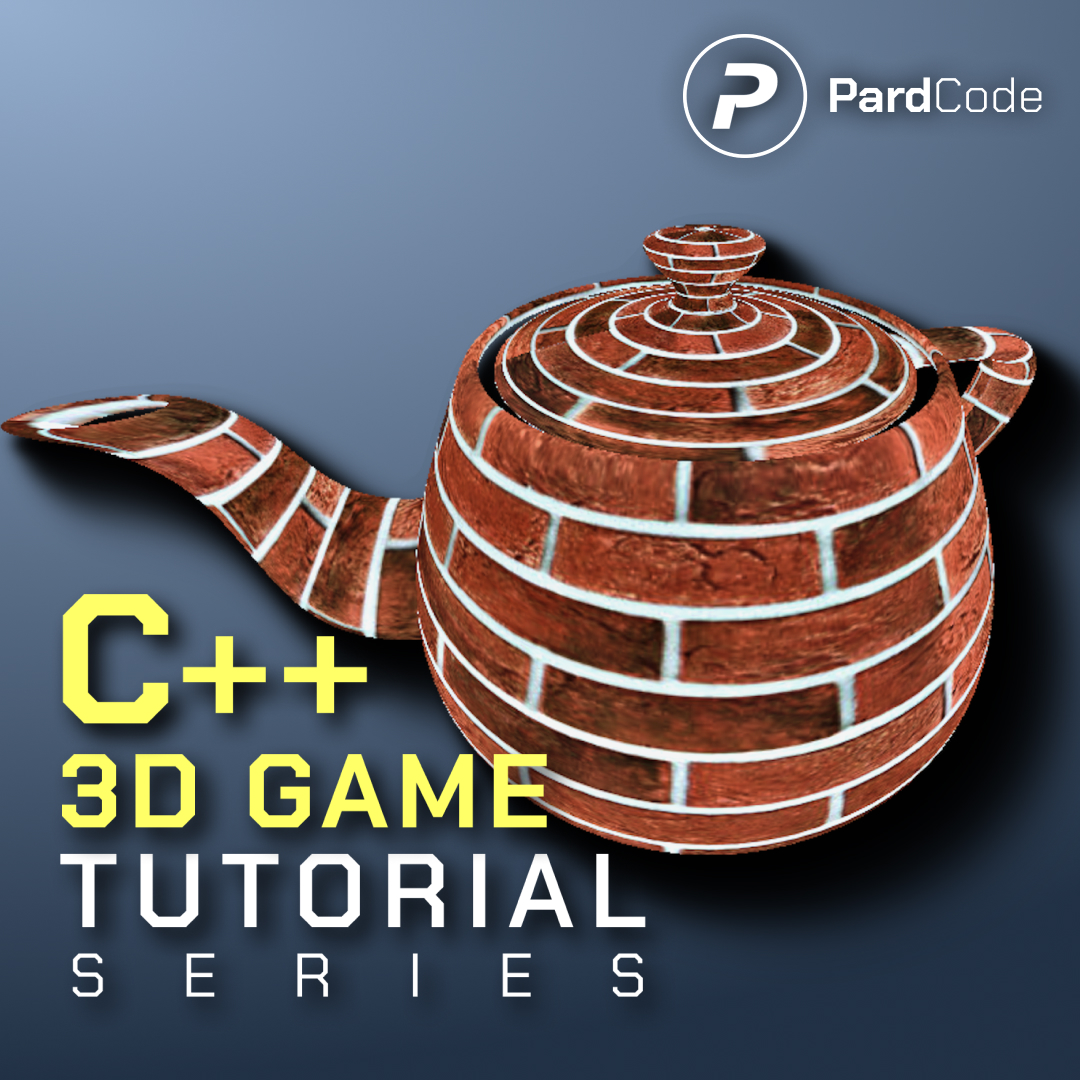
The source code of the 18th tutorial of the C++ 3D Game Tutorial Series is now available in early access on GitHub!
This tutorial marks a foundational shift in the engine’s capabilities: transitioning from rendering hardcoded 3D cubes to loading and rendering external 3D meshes. The tutorial weaves together a complete mesh-loading system, a reorganized shading approach, and a refreshed demo scene. Here’s how the pieces fit together:
• A new mesh & component architecture has been introduced. The engine now natively understands external .obj files, thanks to the addition of MeshResource and MeshComponent. These classes handle everything from parsing raw vertex/index data to managing multiple material slots per mesh. Under the hood, MeshResource leverages tinyobjloader to decode OBJ files, flips texture coordinates to match DirectX conventions, and batches indices by material so the renderer can draw complex objects without excessive state changes.
• The rendering pipeline has been extended to support 3D meshes. WorldRenderer now includes a dedicated pass for MeshComponent instances. It iterates through each mesh’s material slots, dynamically binds the appropriate buffers, updates constant buffers, resolves textures, and issues indexed draw calls. This makes the engine significantly more flexible for multi-material assets.
• The demo scene has been completely overhauled. The procedurally generated grid of randomly rotated cubes has been retired. In its place, MainGame.cpp now loads a teapot.obj mesh, pairs it with one texture (brick), and assigns it via the new multi-material system.
You can find the full source code on GitHub here: GitHub Link
I hope you enjoy the tutorial, and thank you for all your support!
 Pard Engine
 illuxUI
 News
News Discord
 YouTube
 GitHub
 X
X Donate